
Introduction: Why AI is No Longer Optional for YouTubers in 2026
The creator economy has exploded. Every minute, over 500 hours of new video content is uploaded to YouTube. Standing out today is 10 times harder than it was even two years ago.
Yet — a quiet revolution is happening.
In 2026, AI has become the secret weapon of high-performing YouTubers.
Not just big creators — even small channels with 1,000 subscribers are using AI tools to:
- Produce videos faster
- Generate ideas that actually rank
- Edit like professional studios
- Create thumbnails that get more clicks
- Analyze audience behavior
- Grow consistently every month
This is no longer about “using AI for fun.”
This is about survival, speed, and success.
So in this guide, you’ll discover the 10 most powerful AI tools every YouTuber should use in 2026 — across scripting, editing, thumbnails, analytics, automation and more.
Let’s begin.
1. ChatGPT 5.1 – Your All-in-One Scriptwriter & Idea Engine
Best for:
Scripting, titles, video ideas, SEO optimization, storytelling.
ChatGPT is still the #1 tool for content creators because of its versatility. With GPT-5.1, script quality has reached near-human levels — emotional, structured, funny, dramatic, depending on your channel style.
What You Can Do With ChatGPT in 2026:
 Generate 30 viral video ideas in your niche
Write complete scripts (5-min, 10-min, 20-min)
Rewrite your voiceover to match your speaking style
Create YouTube descriptions, tags, chapter markers
Write social media captions for the same video
Do SEO research and keyword ranking predictions
Why It’s a Must-Have:
ChatGPT saves 5 hours per video, especially for script-heavy, voice-over YouTube channels.
2. Pika Labs (Pika 2.0) – AI Video Generation & Animation
Best for:
Dynamic visuals, animated scenes, B-roll, cinematic shots.
Pika is the most powerful AI video generator creators use to:
- Create scenes they can’t shoot
- Add cinematic transitions
- Produce animated B-roll
- Make explainer visuals
- Visualize abstract concepts
Why It Matters:
YouTubers save money on stock footage and expensive shoots.
For faceless channels, this is a game-changer.
Use Cases:
“Talking head” + AI-generated B-roll
Science, tech, finance explainers
Action scenes, storytelling, mythological recreations
Travel visuals without travel
3. Descript AI – Edit Videos Like a Doc File
Best for:
Editing, removing filler words, audio cleanup, multi-track editing.
Descript remains the king of text-based video editing:
You edit the transcript — and the video edits itself.
Descript Features That Save Hours:
Remove “um, ah, hmm” with one click
Auto-subtitles
Studio-quality AI audio cleanup
Multicamera sync
AI overdub voice repair
Why It’s Essential in 2026:
Editing becomes 5x faster, especially for long educational videos, podcasts, interviews, and tutorials.
Descript Signup
4. Midjourney 7 – The Ultimate Thumbnail Designer
Best for:
Viral thumbnails, background replacements, expressions, colors.
Midjourney’s 2026 version produces highly clickable thumbnail art with:
- Accurate facial expressions
- Crisp lighting
- Colour psychology
- Sharp text placement templates
Why It’s a Must:
Thumbnails determine 70% of click-through rate.
Creators report a 20–60% CTR boost after switching to AI thumbnails.
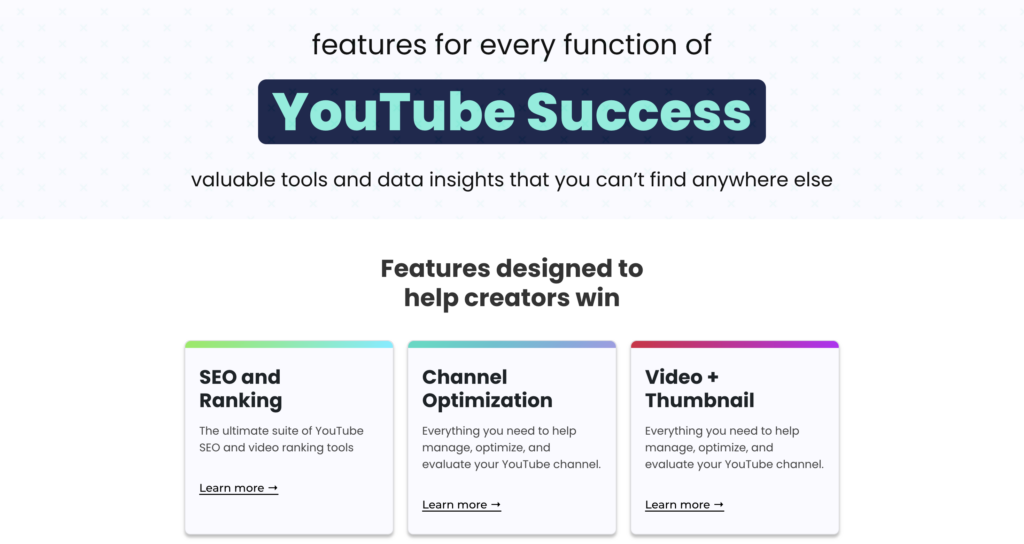
5. TubeBuddy AI – Your YouTube SEO Assistant
Best for:
YouTube keyword research, competition analysis, A/B testing.
TubeBuddy has upgraded with advanced AI:
- Predicts which video ideas can rank
- Analyzes search volume vs competition
- Suggests exact titles that can rank
- Finds missing keywords in your videos
- Offers thumbnail A/B testing
Why Creators Use It:
Because ranking = growth.
Even small creators can get discovered through low-competition keywords.
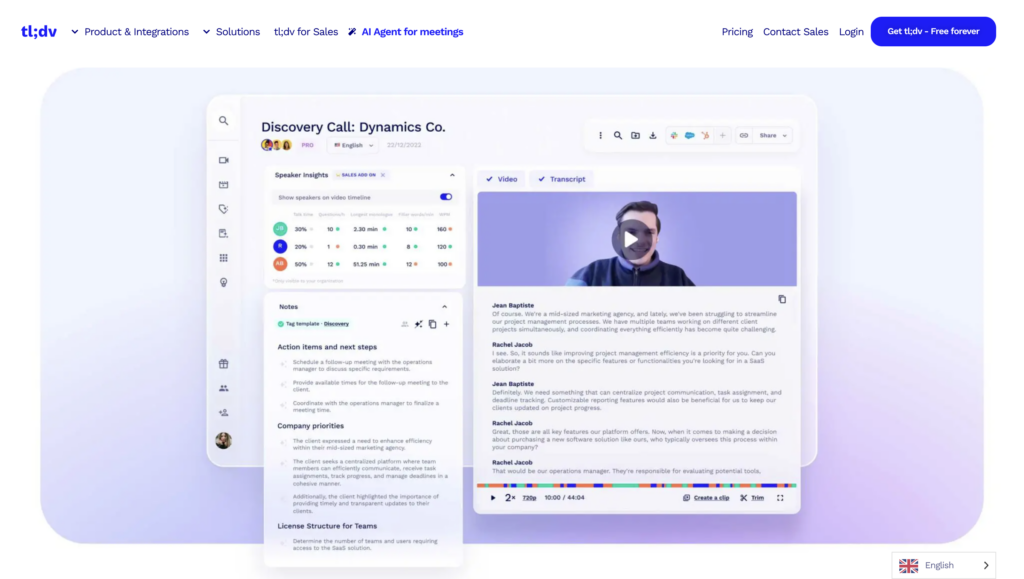
6. TLDV (AI Meeting Recorder) – For Podcast/Interview Channels
Best for:
Recording video calls, auto summarizing interviews, finding key moments.
If your channel includes:
- Guest interviews
- Podcast discussions
- Expert talks
- Client conversations
TLDV saves hours.
What It Does:
Records meetings in HD
Creates auto summaries
Extracts viral clips
Provides timestamps for short-form repurposing
Huge time saver.
7. Veed.io AI – Fast, Clean, Professional Editing
Best for:
Reels, shorts, faceless channels, quick edits.
Veed.io now uses:
- AI noise removal
- Auto subtitles in 100+ languages
- Eye contact correction
- Face refinement
- Green screen removal
Why This Tool Grows Channels:
Short-form content fuels YouTube growth—
and Veed.io produces shorts in minutes.
8. Adobe Podcast AI – Crystal Clear Voice
Best for:
High-quality voiceovers, audio repair, background noise reduction.
If your videos use voiceovers:
- This is the BEST voice cleanup tool
- Removes echo
- Enhances clarity
- Levels volume
- Eliminates low-quality mic issues
Perfect for home creators without expensive studios.
9. Opus Clip 2 – Convert Long Videos into Viral Shorts
Best for:
Repurposing content, growing YouTube Shorts, maximising reach.
Opus Clip takes a long video (10–60 mins) and auto-generates:
- 10–20 viral short clips
- Auto-subtitled
- Reframed for vertical
- Hook optimization
- Emotional moments highlighted
Why It’s Powerful:
One long video becomes a month of 20 Shorts, multiplying views.
10. Notion AI – Organise Your Entire Channel Workflow
Best for:
Planning, scripting, scheduling, content pipelines.
Notion AI is the perfect “brain” for a YouTube creator:
- Plan 30-day calendars
- Track scripts
- Manage sponsorships
- Automate content workflows
- Store research
- Build ideas library
Why It’s Crucial in 2026:
Creators who stay organized grow faster than creators who don’t.
 BONUS AI TOOLS (Hidden Gems for 2026)
→ ElevenLabs (Ultra-realistic AI Voiceovers)
Super clean Hindi + English AI voices.
→ Runway Gen-3
Hollywood-grade AI scene creation.
→ Sora by OpenAI (when publicly available)
Create full videos from text.
→ vidIQ AI Studio
Predicts which video will go viral.
Final Thoughts: The 2026 YouTuber Starter Pack
If you want a simple recommended set:
| What You Get | Description |
|---|---|
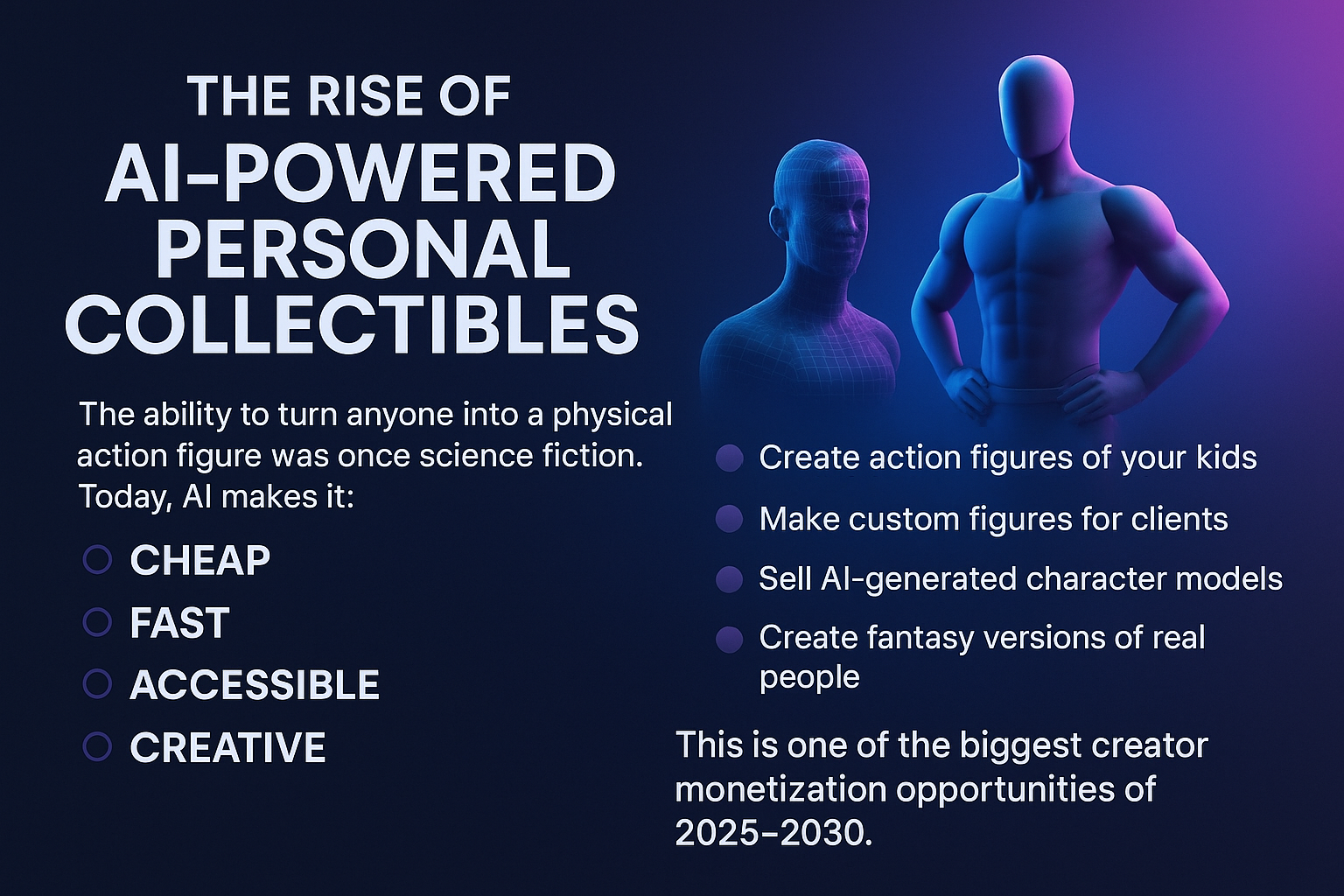
 Personalized Action Figure Personalized Action Figure |
A fully customized figure created from your own selfie. |
 AI-Designed Model AI-Designed Model |
Crafted using advanced AI tools for accurate face + body detailing. |
 Home 3D Printed Home 3D Printed |
Easily printable on resin or FDM printers with professional-level results. |
 Custom Painted Custom Painted |
Paint it to match your imagination — realistic, anime, heroic, or fantasy styles. |
 Fully Poseable / Stylized Options Fully Poseable / Stylized Options |
Choose heroic poses, armor, costumes, accessories, or themed outfits. |
Best Use Cases (At a Glance)
| Occasion / Purpose | Why It’s Perfect |
|---|---|
 Personal Collectibles Personal Collectibles |
Create a miniature version of yourself, your kids, or loved ones. |
 Birthday Gifts Birthday Gifts |
A unique, meaningful gift no one else will have. |
 Anniversary Surprises Anniversary Surprises |
Make romantic or funny couple action figures. |
 Gaming Miniatures Gaming Miniatures |
Design custom RPG, D&D, or cosplay character models. |
 Cosplay Characters Cosplay Characters |
Turn your cosplay look into a 3D collectible. |
 Sci-Fi/Fantasy Versions of Yourself Sci-Fi/Fantasy Versions of Yourself |
Create superhero, cyberpunk, medieval, or futuristic variants. |