
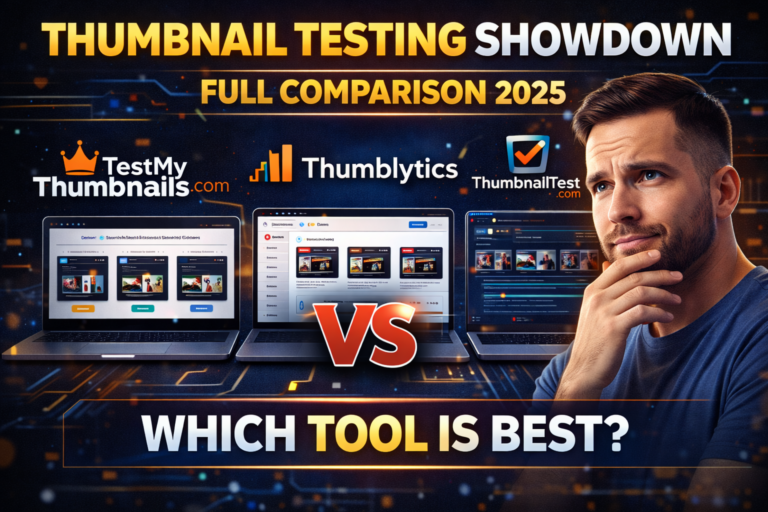
Thumbnail Testing Showdown: TestMyThumbnails vs Thumblytics vs ThumbnailTest (Full Comparison 2026)
Introduction: Why Thumbnails Decide Your Fate on YouTube
Imagine spending hours creating a great video—writing the perfect script, editing transitions, choosing music—only to get 38 views.
The problem usually isn’t the video.
It’s the thumbnail.
A thumbnail is the gatekeeper between a scroll and a click. In 2025, guessing is no longer enough. Smart creators test thumbnails before publishing, using real data.
In this guide, we compare three of the most talked-about thumbnail testing platforms:
TestMyThumbnails
Thumblytics
ThumbnailTest
We’ll cover:
How each tool works
Pricing models
Key features
Pros & cons
Which tool is best for you
Whether you’re a YouTube creator, digital marketer, or agency, this breakdown will save you time and views.

🧪 TestMyThumbnails.com — Real Human Thumbnail Testing
🔗 Website: https://testmythumbnails.com
What It Does
TestMyThumbnails focuses on one thing only:
finding the most clickable thumbnail using real human behavior.
How to Use
Upload up to 3 thumbnails
Add your video title
Select a niche (Tech, Beauty, Finance, Gaming, etc.)
Choose a test type:
Poll Test: “Which thumbnail would you click?”
Scroll Test: Thumbnails appear in a simulated YouTube feed
The Scroll Test is the highlight—it mimics real browsing behavior.
Pricing
$29 → 100 impressions
$49 → 300 impressions
$99 → 1,000 impressions
Bulk discounts for teams
Free trial with limited impressions
Top Features
✅ 100% real human testers
✅ Niche-based targeting
✅ Heatmaps (eye-tracking style)
✅ Clear “winner + why” insights
✅ No signup required for basic tests
Pros
Extremely accurate results
No monthly commitment
Fast turnaround (2–4 hours)
Visual analytics & scorecards
Cons
No YouTube or GA integration
Gets expensive for frequent testing
Max 3 thumbnails per test
No demographic export reports
Best For
Solo creators, freelancers, and marketers who want high-quality feedback without subscriptions.
📊 Thumblytics.com — AI-Driven YouTube Optimization
🔗 Website: https://thumblytics.com
What It Does
Thumblytics takes a data-driven + AI approach and integrates directly with YouTube.
How to Use
Sign in with Google / YouTube
Upload up to 10 thumbnails
Add a video title or YouTube link
Run AI simulations or comparisons
Preview thumbnails in real YouTube feeds (mobile & desktop)
Pricing
Free: 3 AI tests/month
Pro – $19/month: 10 tests, AI heatmaps
Growth – $49/month: Unlimited tests, reports, team access
Top Features
✅ AI heatmaps
✅ CTR prediction scores
✅ YouTube feed preview
✅ Historical test archive
✅ Exportable reports
✅ Team collaboration
Pros
Best long-term value for active creators
Clean dashboard & UI
Supports many thumbnails per test
YouTube channel sync
Cons
Free plan is limited
AI predictions aren’t always perfect
Human testing requires higher plans
Slight learning curve
Best For
Growing YouTubers, channel managers, and small agencies who publish consistently.

⚡ ThumbnailTest.com — Fast & Flexible Testing
🔗 Website: https://thumbnailtest.com
What It Does
ThumbnailTest offers both AI simulations and real audience voting, with speed as its core advantage.
How to Use
Upload 2–5 thumbnails
Choose:
AI simulation (instant)
Audience voting (1–2 hours)
Add optional title/context
Launch test & view results
Pricing
Free AI test (limited)
$20 → 100 audience votes
$45 → 300 votes
Pro: $99/month (10 tests, advanced analytics)
Top Features
✅ AI + human testing
✅ CTR score & heatmaps
✅ Visual performance metrics
✅ Exportable PDF reports
✅ Optional demographic targeting
Pros
Extremely fast results
Budget-friendly
Clean interface
Great for freelancers & small teams
Cons
No YouTube integration
Max 5 thumbnails/test
No API access
AI analysis less deep than Thumblytics
Best For
Creators who need quick insights, flexibility, and affordability.

Which One Should You Choose?
🎯 Accuracy first? → TestMyThumbnails
📈 Long-term YouTube growth? → Thumblytics
⚡ Fast & flexible testing? → ThumbnailTest
There’s no single “best” tool—only the best tool for your workflow.
Want more breakdowns on creator tools, YouTube growth, and AI marketing?
👍 Like
📌 Subscribe
💬 Comment which thumbnail tool you’ll try first
This was your expert comparison of the top 3 thumbnail testing platforms of 2026.
Test smart. Grow fast.